WebMobile2023

Virtual Try-On

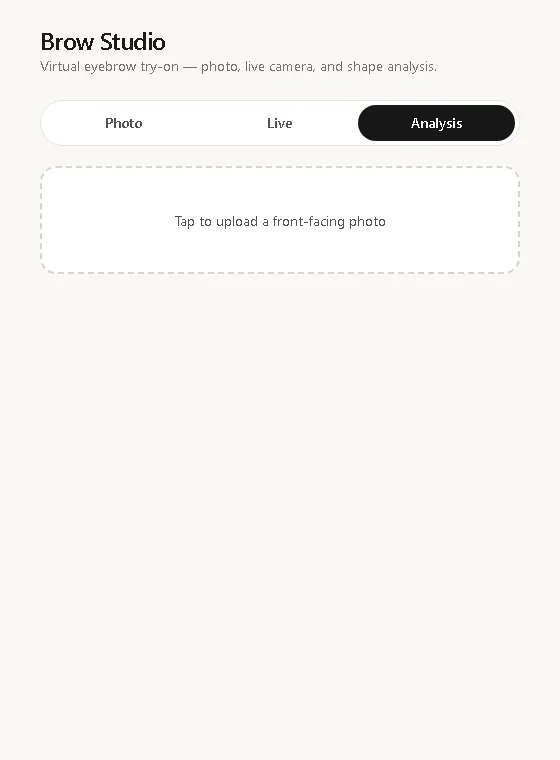
Eyebrow AR virtual try-on experience using computer vision for beauty and retail.

The Challenge

Beauty retail โ€” particularly eyebrow and brow-styling products โ€” had one of the highest return rates in the cosmetics category. Customers would purchase a brow pencil, tint, or styling kit based on a model photograph, apply it at home, and return it within days because the shade or shape looked completely different on their own face. For the retailer, each return cost roughly 3โ€“4ร— the product margin when restocking, logistics, and lost customer lifetime value were factored in.

Digital swatching tools existed for lip and eye shadow (hex-code colour overlays on static photos), but brow try-on was unsolved: it required understanding facial bone structure, hair density, and skin tone together, and had to work in real time on a live camera feed โ€” not just a static uploaded photo โ€” to feel trustworthy enough to change purchase behaviour.

What We Built

We built the try-on engine using MediaPipe Face Mesh, which provides 468 facial landmark points at 30fps in the browser via WebAssembly. The brow region (landmarks 46โ€“55 and 276โ€“285) is extracted per frame, and a canvas overlay renders the selected style using a combination of SVG path masking and WebGL fragment shaders that blend the product texture with the user's detected skin tone.

Skin tone detection runs on a 10ร—10 pixel sample from the cheek region each session and maps to one of 12 Fitzpatrick-scale buckets, which are used to adjust the product colour's opacity and hue shift in real time โ€” so a "dark brown" brow product looks correct on both fair and deep skin tones without requiring separate product SKUs. The entire pipeline runs client-side (no video is ever uploaded or stored), which addressed the privacy concern that had blocked two previous vendor solutions from going live.

The product catalogue is a JSON feed from the retailer's existing Shopify store, so new SKUs appear in the try-on tool the moment they're published โ€” no separate sync process. The add-to-cart action triggers directly from the try-on overlay, reducing the funnel from discovery to purchase to a single screen.

The Outcome

Product return rates for the SKUs featured in the try-on tool dropped by 40% in the 60 days following launch, compared to the same SKUs in the prior 60-day period. Add-to-cart conversion from the try-on screen was 25% higher than from the standard product page, indicating that the try-on experience was actively accelerating purchase decisions rather than just reducing post-purchase regret.

The client extended the integration to their mobile app (React Native WebView embedding the same canvas component) within two months of the web launch, and the retailer subsequently onboarded two additional product categories โ€” eyeshadow palettes and lip liners โ€” using the same rendering architecture.

Building something similar?

We'd love to hear about your project.

Let's talk โ†’